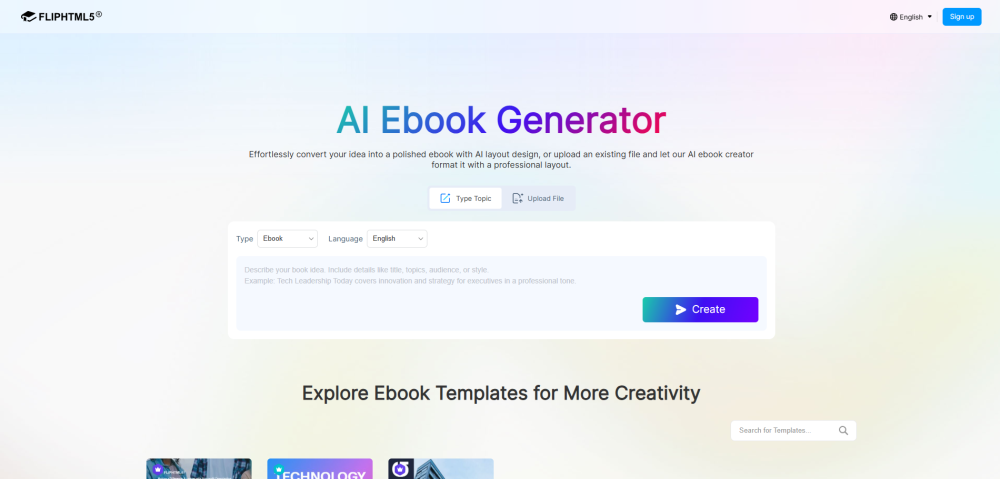

How to Use FlipHTML5 AI Ebook Generator: Method 1: Type a Topic 1. Select "Type Topic," choose book type and language, then describe a book idea in the text box. 2. Click "Create" — AI will analyze the topic and generate a structured outline. 3. Review and edit the outline — polish titles or content as needed. 4. Click "Start AI Layout" — AI will design and render each page into a professionally laid-out ebook. 5. Fine-tune the generated ebook in the Page Editor — add multimedia, adjust design — then publish and share online. Method 2: Upload a File 1. Select "Upload File," choose a book type, then upload a PDF or Word file (up to 50 MB / 50 pages). 2. AI will analyze the file and generate a structured outline for review. 3. Click "Start AI Layout" — AI will transform the content into a beautifully designed ebook. 4. Edit in the Page Editor if needed, then publish and share online.