AI Video Creation: One Person Is a Team
"I want to make videos, but I don't know how to edit..."
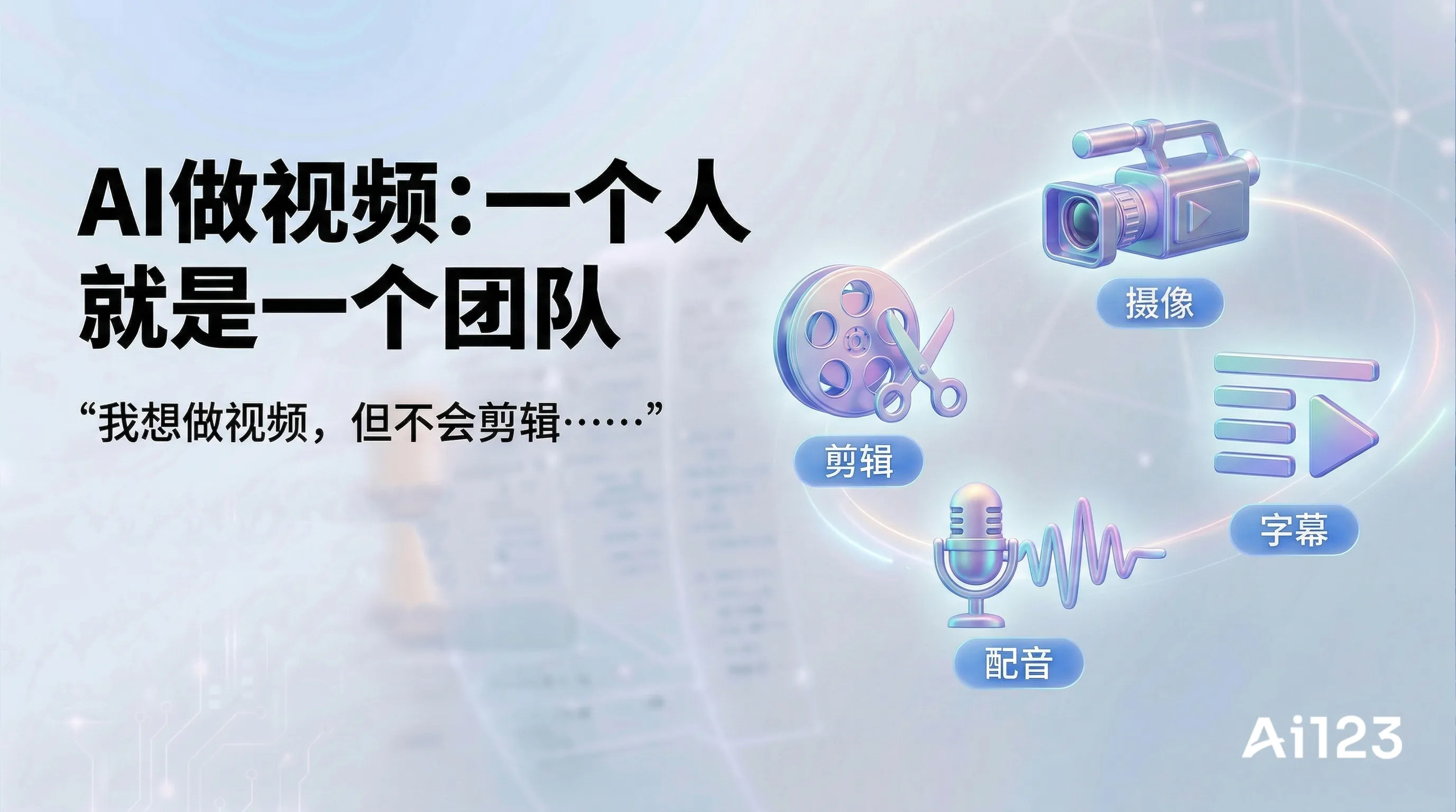
"I want to make videos, but I don't know how to edit..."
"I wish I had a team to handle filming, editing, voice-over, and everything..."
"But I'm just one person, and my budget is limited..."
Stop looking! AI can already help you complete the entire video production process on your own!
From scripts to voice-over, from editing to subtitles, AI has it all covered!
Today's article will help you use AI to make video production 10x more efficient!
1. AI Video Production at a Glance
Video Production Workflow vs AI Support
| Stage | Traditional approach | With AI |
|---|---|---|
| Script | Write it yourself | AI writes it for you |
| Voice-over | Hire a voice actor | AI voice-over |
| Visuals | Shoot/find materials | AI generation/auto-editing |
| Subtitles | Add manually | AI auto-recognition |
| Editing | PR/AE | AI one-click video creation |
| Effects | Made in AE | AI templates/auto-generation |
Now, one person can absolutely create professional-grade videos!
2. Recommended AI Video Tools
1. Script Creation
ChatGPT / Doubao
Features: Writes video scripts and designs storyboards
Use cases:
- Short-form video scripts
- Speeches
- Sales copy
- Educational content
2. AI Voice-over
iFlytek ZhiZuo
Highlights:
- Wide variety of voices
- Supports Chinese
- Adjustable speaking speed and intonation
- Free quota
CapCut Pro
Highlights:
- Built-in AI voice-over
- Simple to use
- Synced subtitles
Microsoft Azure Speech
Highlights:
- Highly natural sound
- Supports multiple languages
- Can clone voices
3. AI Subtitles
CapCut
Highlights:
- Automatically recognizes speech
- Generates subtitles
- One-click translation
iFlyrec
Highlights:
- High accuracy
- Supports multiple dialects
- Exports in multiple formats
4. AI Editing
CapCut — AI One-Click Video Creation
Features: Enter text and it automatically generates a video
How to use:
- Enter the text content
- Choose a video style
- AI automatically matches footage, voice-over, and subtitles
- Generate with one click
Dujia Clip (Baidu)
Features: AI helps you auto-edit
5. AI Digital Humans
Wondershare Virbo
Features: AI digital human broadcasting
Highlights:
- Virtual anchor
- Multilingual support
- Customizable avatars
D-ID
Features: AI generates talking avatars
6. AI Video Generation
Runway
Features: Generates video from text/images
Pika
Features: AI video generation
Kling (Kuaishou)
Features: Homegrown Chinese AI video generation
Note: AI video generation is still in its early stages, with limited results
3. Complete AI Video Production Workflow
Method 1: AI One-Click Video Creation (Simplest)
Suitable for: No footage, no equipment, pure AI production
Tools: CapCut AI one-click video creation / Dujia Clip
Steps:
Step 1: Determine the topic
↓
Step 2: Have AI write the script
↓
Step 3: AI automatically generates the video
↓
Step 4: Fine-tune / export
Detailed instructions:
Step 1: Have AI write the script

Prompt:
Please write me a short video script of [duration] seconds:
- Topic: [content topic]
- Type: [educational / product recommendation / comedy / ...]
- Target audience: [audience]
- Style: [light and lively / professional and serious / ...]

Structure:
1. First 3 seconds: grab attention
2. Middle: core content
3. End: encourage interaction (likes/follows)

Requirements:
- Keep each sentence short (suitable for voice-over)
- Use conversational language
- Keep a good rhythm
Step 2: AI one-click video creation

1. Open CapCut → click "Text to Video"
2. Paste the script
3. Choose "AI voice-over" or "record it yourself"
4. Select the video style
5. Click Generate
6. Wait 1-2 minutes
7. Review the result and fine-tune
8. Export
Method 2: Footage + AI Editing
Suitable for: You have footage (filmed or downloaded) and need editing
Tools: CapCut / Premiere (AI plugins)
Steps:
Step 1: Collect footage
↓
Step 2: AI recognizes the footage content
↓
Step 3: AI auto-edits / recommends clips
↓
Step 4: Manual adjustments
↓
Step 5: AI voice-over + subtitles
↓
Step 6: Export
Method 3: AI Digital Human Videos
Suitable for: You need a real person on camera but don't want to show your face
Tools: Wondershare Virbo / D-ID
Steps:
Step 1: Write the script
↓
Step 2: Choose a digital human avatar
↓
Step 3: Generate the digital human broadcast video
↓
Step 4: Add background/subtitles
↓
Step 5: Export
4. AI Production for Different Video Types
Type 1: Educational Videos
Prompt:
Please write me an educational video script of [duration] seconds:
Topic: [educational content]
Target audience: [audience]

Script requirements:
1. Open with a question or a hook
2. Explain in easy-to-understand language
3. Use analogies and examples where appropriate
4. End with a summary + encourage interaction

Example structure:
[Opening] "Did you know [question]?"
[Body] "Actually, [explanation]"
[Ending] "That's today's educational tidbit. Remember to like and follow!"
Type 2: Product Promotion Videos
Prompt:
Please write me a short product promotion video script:
Product: [product name]
Selling points: [2-3 highlights]

Script structure (within 60 seconds):
1. First 3 seconds: pain point / hook
2. 5-10 seconds: product introduction
3. 20-30 seconds: highlight showcase + usage experience
4. 10 seconds: price / offer
5. 5 seconds: call to action to order

Copy requirements:
- Conversational
- Engaging
- Create a sense of urgency
- Drive action
Type 3: Tutorial Videos
Prompt:
Please write me a tutorial video script for [skill]:
Duration: [X minutes]
Goal: viewers can learn it by the end

Script structure:
1. Opening: why this skill is useful
2. Preparation: what tools/materials are needed
3. Steps 1-2-3-4...
4. Common questions
5. Summary

Requirements:
- Clear steps
- Moderate speaking pace
- Slow down at key points
5. AI Voice-over Tips
Choosing a Voice
- Formal content: choose a stable, mature voice
- Light content: choose a lively voice
- Younger audience: choose a youthful voice
- Older audience: choose a mature voice
Adjusting the Voice
- Speaking speed: slower for tutorials, faster for product promos
- Intonation: don't stay flat; add variation
- Pauses: pause at key points
6. AI Subtitle Tips
Handling Automatic Subtitle Issues
Problem 1: Recognition errors
- Check technical terms
- Check names of people/places
- Correct manually
Problem 2: Inaccurate punctuation
- Add proper punctuation
- Make subtitles easier to read
Problem 3: Incorrect formatting
- Limit characters per line (6-10 characters)
- Break lines appropriately
7. AI Tool Checklist for Video Production
| Type | Tool | Cost | Rating |
|---|---|---|---|
| Script | ChatGPT/Doubao | Free | ⭐⭐⭐⭐⭐ |
| Voice-over | iFlytek ZhiZuo | Free/Paid | ⭐⭐⭐⭐⭐ |
| Voice-over | CapCut | Free | ⭐⭐⭐⭐ |
| Subtitles | CapCut | Free | ⭐⭐⭐⭐⭐ |
| Subtitles | iFlyrec | Free/Paid | ⭐⭐⭐⭐ |
| AI one-click video creation | CapCut | Free | ⭐⭐⭐⭐⭐ |
| Digital human | Wondershare Virbo | Paid | ⭐⭐⭐⭐ |
| AI video | Runway | Paid | ⭐⭐⭐ |
| AI video | Kling | Free trial | ⭐⭐⭐ |
8. AI Video Production Precautions
❌ Don't do this
- Don't make the AI digital human look too fake (it's embarrassing when it gives you away)
- Don't rely completely on AI (you need to keep content quality in check)
- Don't ignore copyright (watch out for footage/music)
- Don't make it sound too "AI-generated" (keep your personal style)
✅ What to do instead
- Review AI-generated output manually
- Add your own style and opinions
- Use licensed materials
- Keep optimizing and iterating
Summary of Key Points
- AI one-click video creation: CapCut's "Text to Video" automatically generates a video from the text you enter
- AI voice-over: iFlytek ZhiZuo/CapCut, with a variety of voice options
- AI subtitles: CapCut auto-recognition is highly accurate
- AI digital human: Wondershare Virbo — use it when you don't want to show your face
- Complete workflow: script → voice-over → AI one-click video creation → fine-tune → export
AI makes "one person is a whole team" possible!
Go try it now and use AI to make your first video!