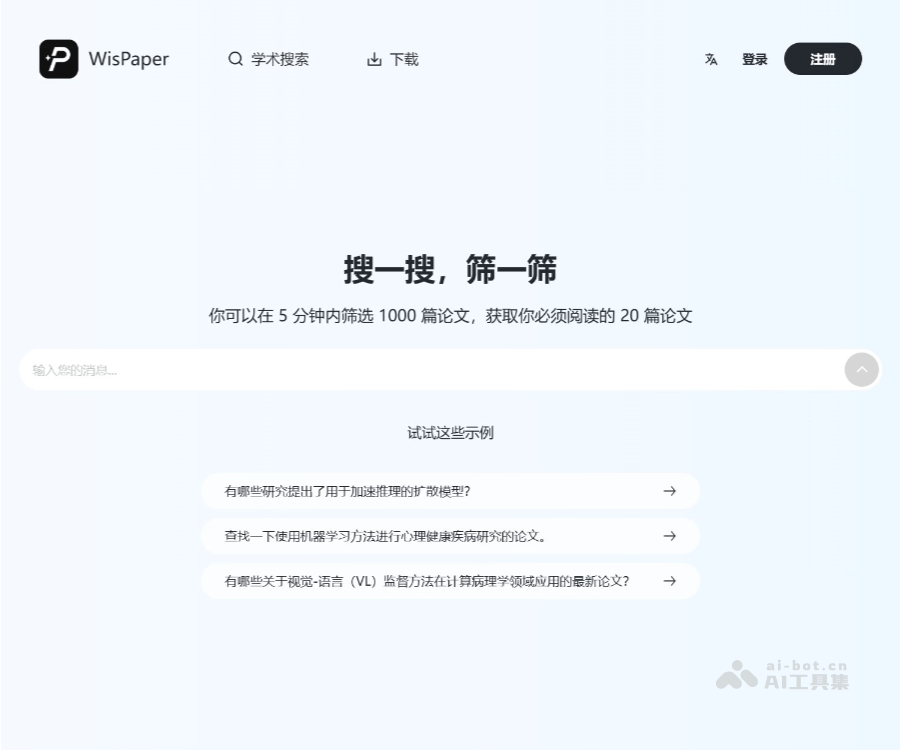
WisPaper 是复旦团队推出的 AI 学术搜索工具,提升科研效率。通过AI搜索技术,帮助学者快速找到相关文献。海外文献库搜索功能对接主流学术数据库,如 Google Scholar,能智能拆解问题,通过二次验证和深度搜索,快速锁定高质量文献。WisPaper 检索结果旁的“prefect”标识表示文献与关键词100%相关,帮助用户避免在低相关性期刊上浪费时间。WisPaper 支持本地文件搜索,用户可以建立个人本地知识库,基于已下载的文献,检索关键词强相关内容。标题中没有提到关键词,AI 也能通过分析文献具体内容,确认是否和关键词匹配。
如何使用
注册并登录:访问WisPaper官网,使用邮箱或Google账号注册并登录
创建新项目:点击「新建论文」,填写研究标题和学科领域,选择论文类型
生成大纲:输入主题关键词或摘要,系统自动生成论文大纲,可手动调整
撰写内容:逐节使用AI生成或手动输入,利用引用功能添加参考文献
润色与查重:完成初稿后,运行语言润色和查重扫描,修改后导出终稿
核心功能
AI smart search of overseas literature: Connects to mainstream academic databases such as Google Scholar, intelligently breaks down problems, and uses double verification and deep search to quickly lock onto high-quality literature. When the "Perfect" marker appears next to results, the literature is 100% relevant to the keyword. Local file search: Build a personal local knowledge base and retrieve strongly relevant content from downloaded papers; AI analyzes the full text even if the title omits the keyword. One-click sharing: Share results with supervisors or groups, ideal for researchers in the same field.
Overseas literature search: Connects to academic databases like Google Scholar, breaks down queries intelligently, and uses double verification and deep search to find the best-matching high-quality papers. A "Perfect" badge means 100% relevance to the keyword.
Local file search: Build a personal knowledge base from downloaded papers and search strongly related content by keywords. AI examines the full text to confirm matches even if the title lacks the keyword.
One-click sharing: Share search results with advisors or research groups, ideal for researchers in the same field.