AI Video Generation: A One-Person Production Team
Remember those movie special effects that cost millions and took months? Now, just type a few lines of text and you can generate a video in minutes—this sounds like science fiction, but AI video generation is making it a reality. From Sora to Runway, from Pika to Kling, AI video generation technology is sparking a revolution in content creation.
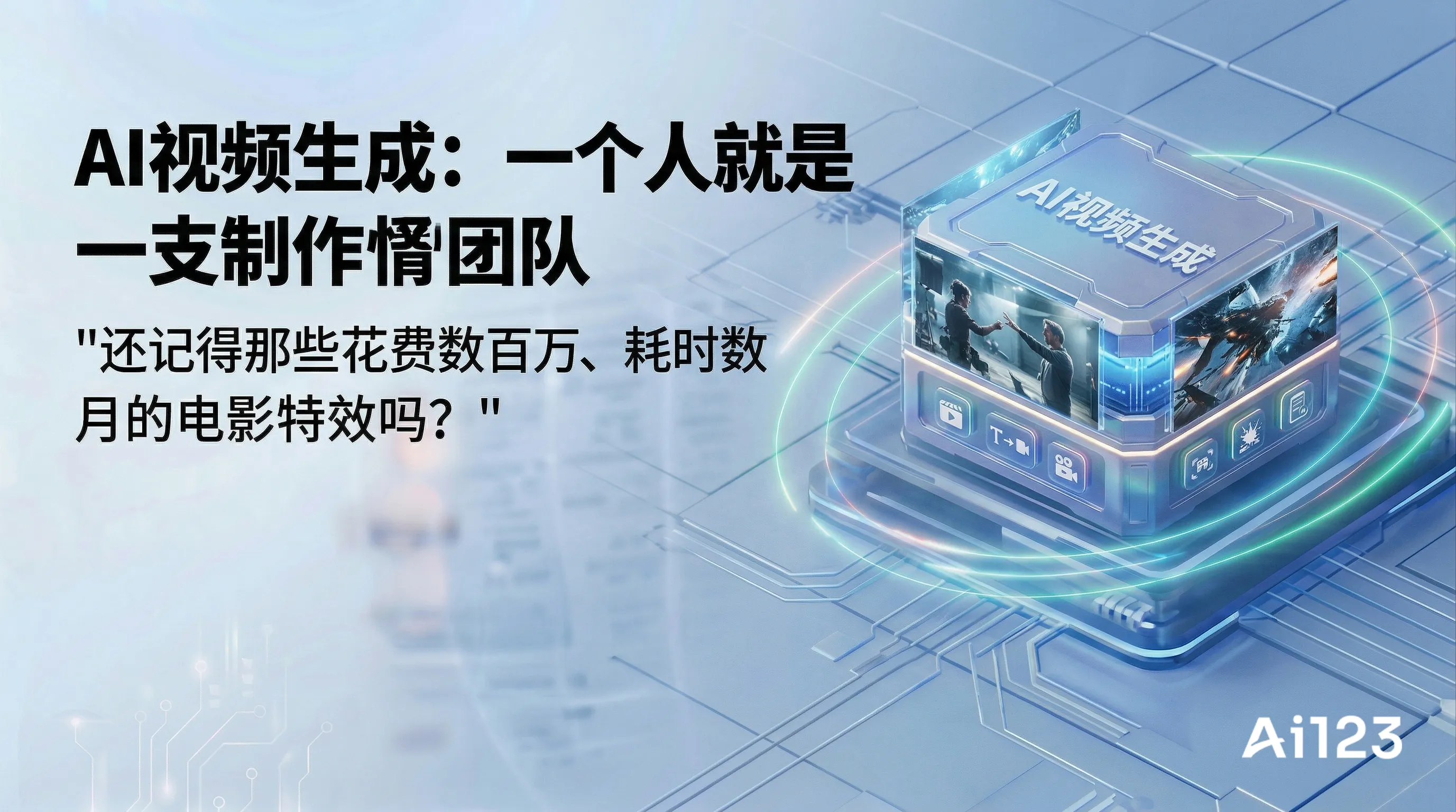

Remember those movie special effects that cost millions and took months? Now, just type a few lines of text and you can generate a video in minutes—this sounds like science fiction, but AI video generation is making it a reality. From Sora to Runway, from Pika to Kling, AI video generation technology is sparking a revolution in content creation.

What is AI video generation?
AI video generation is a technology that uses artificial intelligence to automatically create video content based on text descriptions, image inputs, or audio materials.
In plain terms: It's like having a tireless video production team—you describe your idea, and it handles shooting, editing, and visual effects end to end.
Main types
| Type | Input | Output | Use case |
|---|---|---|---|
| Text-to-video | Text description | Full video | Creative content, concept demos |
| Image-to-video | Single image | Dynamic video | Photo animation, creative expansion |
| Video continuation | Video clip | Extended content | Story development, scene extension |
| Style transfer | Original video | Stylized video | VFX production, artistic creation |

Mainstream AI video generation tools
1. Sora (OpenAI)
Features:
- Up to 60-second videos
- Strong physical world simulation
- Complex scene understanding
- Not fully open to the public yet
2. Runway Gen-3
Features:
- Cinematic quality
- Professional creation tool
- Video editing capabilities
- Creator community
3. Pika
Features:
- Easy to use
- Active community
- Great for beginners
- Continuously iterating
4. Kling (Kuaishou)
Features:
- Leading Chinese option
- Optimized for Chinese
- Supports long videos
- Good motion performance
5. Hailuo AI (ByteDance)
Features:
- Jimeng series
- Produced by ByteDance
- Continuous technological breakthroughs
- Available in China
Technical principles of AI video generation
1. Applications of diffusion models in video
Core idea:
- Treat video as a sequence of image frames
- Add a temporal dimension on top of image diffusion
- Learn to recover coherent videos from noise
2. Key technological innovations
Spatiotemporal joint modeling:
- Consider both spatial (each frame) and temporal (inter-frame relationships) dimensions
- Ensure video coherence and smoothness
Compressed video representation:
- Compress video into a latent space for processing
- Greatly reduce computational complexity
- Generate longer videos
Multimodal conditional control:
- Text descriptions control content
- Images provide visual reference
- Guide the direction of video generation
Exciting applications of AI video generation
1. Creative content creation
Short video creation:
- Quickly generate concept videos
- Validate creative feasibility
- Reduce trial-and-error costs
Example: A creator used a prompt like "a cat in a suit giving a speech on Wall Street" to generate a highly creative short video.
2. Advertising and marketing
Brand content:
- Quickly produce ad prototypes
- A/B test different creatives
- Reduce ad production costs
Example: An e-commerce brand used AI to generate multiple versions of product demo videos to test performance across different audiences.
3. Education and training
Instructional videos:
- Automatically generate demonstration animations
- Visualize complex concepts
- Personalized learning content
4. News media
Breaking news:
- Quickly generate news illustration animations
- Recreate historical scenes
- Data visualization
5. Personal creation
Family memories:
- Animate old photos
- Restore and enhance home videos
- Create personal documentaries
Tips for using AI video generation
1. Writing prompts
Basic framework:
[Subject] + [Scene] + [Action/Change] + [Style] + [Details]
Example:
Good prompt:
"A young woman in Hanfu dancing under a cherry blossom tree,
pink petals falling in the wind, sunlight casting dappled shadows through the branches,
cinematic quality, soft style"

Bad prompt:
"Girl dancing"
2. Storyboard generation
Don't try to generate a full long video at once:
- Generate short clips in segments
- Optimize each clip separately
- Finally stitch them together
3. Consistent style
- Use the same style descriptors
- Keep reference images consistent
- Ensure overall coherence
4. Post-processing
AI-generated videos typically require:
- Color grading
- Adding subtitles
- Sound effects
- Editing and stitching
Limitations of AI video
1. Duration limits
Videos generated by current technology are limited in length:
- Usually a few seconds to tens of seconds
- Long videos require stitching
- Consistency is hard to maintain
2. Consistency issues
Common issues:
- Changes in the appearance of characters/objects
- Inconsistent backgrounds
- Jumpy motion paths
3. Physics understanding
AI has a limited understanding of physical laws:
- Objects may intersect
- Inaccurate mechanics
- Lighting and shadows may be inconsistent
4. Detail rendering
Weak areas:
- Text rendering
- Number of fingers
- Complex text
- High-speed motion
5. Computational resources
- Slow generation speed
- High cost for high-quality generation
- High hardware requirements
Trends in AI video generation
1. Quality improvement
From blurry to clear, from short clips to long videos.
2. Enhanced control
More precise control over motion, style, and composition.
3. 3D understanding
Better 3D spatial modeling capabilities.
4. Audio synchronization
Synchronized audio and video generation, more natural voiceover.
5. Personalized customization
Learns user style and provides customized services.
Usage precautions
1. Copyright issues
- Understand each platform's copyright policy
- Avoid infringing on others' content
- Keep creation records
2. Content safety
- Don't generate fake news
- Avoid deepfakes
- Follow content guidelines
3. Labeling requirements
- Label AI-generated content
- Follow platform rules
- Maintain transparency
4. Reasonable expectations
- AI is a tool, not a cure-all
- Understand the limits of the technology
- Manually review the final output
Summary
AI video generation is making "a Hollywood in everyone's hands" a reality. From creative inspiration to visual output, AI has dramatically lowered the barriers and costs of video production. But the technology is still evolving—there is room for improvement in visual consistency, motion naturalness, and physical accuracy.
For creators, AI video generation is a powerful creative tool that can quickly validate ideas and reduce trial-and-error costs. But to create truly moving work, human creativity, aesthetics, and professional judgment are still essential. AI handles execution; humans handle art.
A one-line takeaway: AI video generation brings your ideas to life—it can generate videos from descriptions, animate photos, and turn imagination into reality. But you need to keep its limitations and content responsibilities in mind.
Related Recommendations
Zhipu Qingyan (ChatGLM) User Guide: From Beginner to Pro
Will Ordinary People Be Replaced by AI?
What are the risks and challenges of AI development?
Why do AI talk nonsense with a serious look?
How can AI understand text, images, and sounds simultaneously?