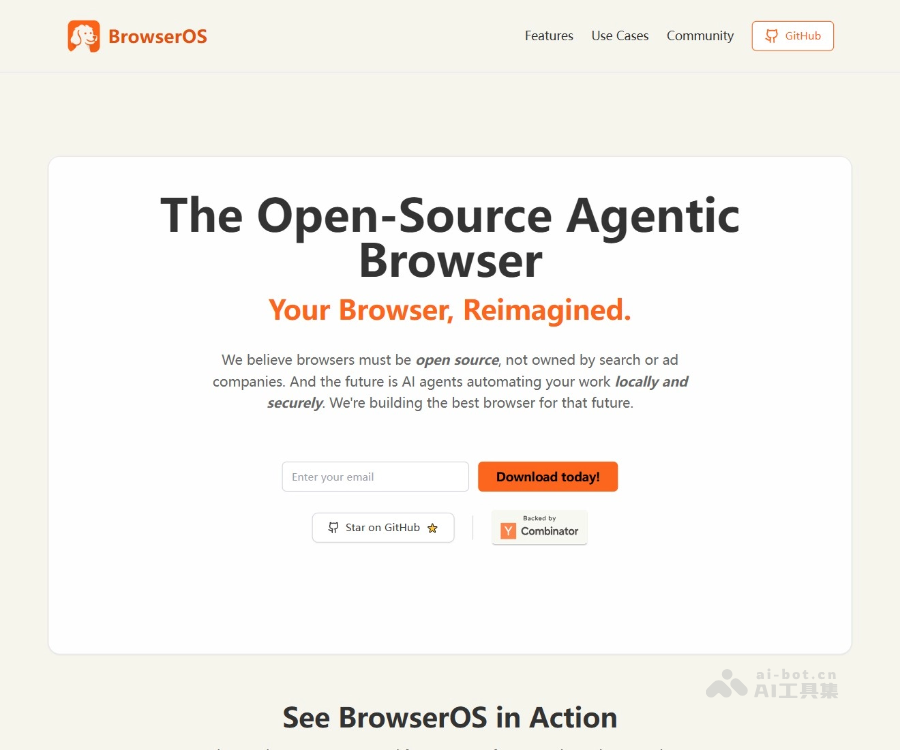
BrowserOS 是免费开源的AI Agent 浏览器,BrowserOS 将强大的 AI 智能体直接集成到浏览器中,运行在本地,支持自动化任务(如填写表单、安排会议)和深度研究功能。BrowserOS 注重隐私,支持本地运行模型(如 Ollama),数据不会上传到云端。BrowserOS 提供语义搜索、本地 AI 聊天和生产力工具,兼容所有 Chrome 扩展,界面与Google Chrome 类似,用户无需学习成本即可上手。
如何使用
1
下载安装— 访问官网下载对应系统的安装包并完成安装
2
启动浏览器— 打开 BrowserOS,可导入 Chrome 书签和扩展
3
配置 AI 模型— 在设置中添加 API 密钥或连接本地模型(如 Ollama)
4
下达指令— 在地址栏或侧边栏用自然语言描述任务
5
运行自动化— AI 代理自动执行网页操作,实时展示执行过程
6
调整优化— 根据结果调整指令或手动干预,完成任务
核心功能
Automation: AI agents automatically complete tedious tasks via natural language instructions, such as filling forms, scheduling meetings, or reordering from order history.
Web operations: The agent simulates human actions to browse pages, click buttons, and finish tasks.
Local operation: All AI processing happens locally, never uploading data to the cloud, ensuring user privacy.
Ollama integration: Supports locally running Ollama models, allowing users to use their own API keys or local models.
Semantic search: Perform semantic searches across browser history and bookmarks to quickly find related content.
Tab management: Helps users organize tabs with one-click grouping to boost browsing efficiency.
Built-in highlight and bookmarks: Highlight web content and use ChatGPT-powered smart bookmark features.
Local AI chat: Reference the current page in chat to get page-related answers, and compare multiple language models side-by-side.
Web page reference: Directly reference the currently open web page in the chat dialog, allowing AI to answer questions about the page.
Multi-model comparison: Run multiple language models side by side in a single window to view different responses simultaneously.