
AnswerAI
One-stop AI study & writing: snap to solve, instant answers, 2x efficiency
- Pricing:
- Free plan
Overview
Answer.AI is a Chrome browser extension powered by ChatGPT technology, positioned as a personal AI learning and writing assistant. It turns your browser into an always-available intelligent education platform: simply take a screenshot or select text to get accurate answers and detailed explanations quickly, covering math, science, language, and other challenging subjects.
Leveraging powerful large language models and OCR recognition, Answer.AI supports one-click photo problem-solving, word selection lookup, real-time conversation, writing assistance, and more. Whether it's complex formula derivation, concept explanations, or drafting emails, articles, and papers, it generates high-quality content within seconds, acting as a personal tutor and writing companion.
The extension integrates seamlessly with any webpage, allowing users to call it up instantly while browsing materials, reviewing literature, or completing online assignments. Today, Answer.AI has over 6 million users and supports iOS, Android, Windows, and macOS for cross-platform syncing, making it a powerful productivity tool for students, professionals, and lifelong learners.
Core capabilities
- Photo solving
- Upload a screenshot to instantly recognize the problem and get a detailed answer.
- Highlight-to-ask
- Select text and click the icon for instant concept explanations and in-depth analysis.
- Smart writing
- Assist in generating high-quality text content such as emails, articles, and essays.
- Homework solutions
- Break down problem-solving steps to help understand underlying principles.
- Web-wide adaptation
- Works on any webpage, seamlessly integrating into daily browsing and learning.
- Real-time chat
- Built-in AskAI chat window for personalized answers anytime.
- Geometry mode
- Dedicated visual problem-solving for complex geometry and math.
- Multi-platform sync
- Supports iOS, Android, Windows, and macOS.
Use cases
- Take a photo to solve math geometry problems and view step-by-step solutions.
- Highlight a word to look up its meaning and contextual example sentences in a foreign language.
- Quickly draft everyday documents like job application emails and leave requests.
- Assist in writing academic paper abstracts and literature reviews.
- Instantly translate and explain complex concepts while browsing English materials.
- Generate practice questions and knowledge summaries for exam preparation.
- Resolve logic errors and code issues in programming homework.
- Create creative copy and image suggestions for social media posts.
Who it's for
Students, Teachers, Researchers, Content creators, Professionals, Lifelong learners, Study abroad applicants
Getting started
- 1Download and install — Visit the Chrome Web Store and click 'Add to Chrome' to finish.
- 2Register or log in — Open the extension and sign up or log in to your Answer.AI account with your email.
- 3Ask by screenshot — When stuck, take a screenshot or select text, then click the Answer.AI icon in your browser.
- 4Get answers — Wait for AI analysis, then view step-by-step answers and detailed explanations.
- 5Use writing assistance — Enter prompts in writing scenarios and let AI generate emails, articles, or paper drafts.
Related tools
 GraspeoFree
Free AI quiz generator from notes, PDFs, images and YouTube — generate quizzes in seconds, no signup needed.
 Alevels.aiFree
Boost your grades with your AI tutor — AI marking and feedback on past paper questions.
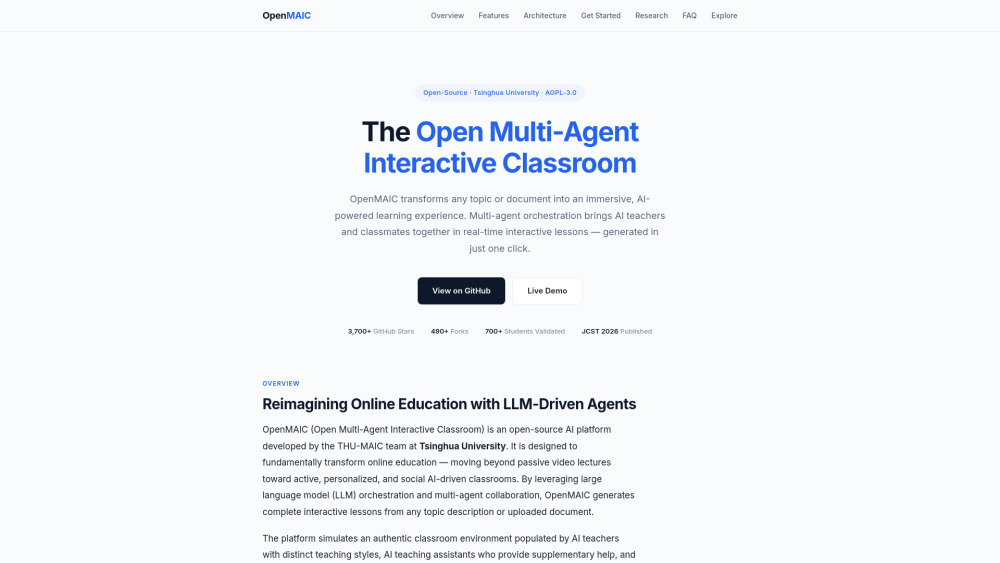 OpenMAICFree
Open Multi-Agent Interactive Classroom — transform any topic into immersive AI-powered learning.
 Quiz Solver AIPaid
AI quiz and homework solver extension — auto-detect questions on 20+ platforms and get answers with GPT models.
 SkilloraPaid
AI interviewer for recruiters and job seekers — practice for free and get your dream job.
