Axure AI
AI-driven UX prototyping: no-code realistic interactions, unlimited design potential
- Pricing:
- Free plan
Overview
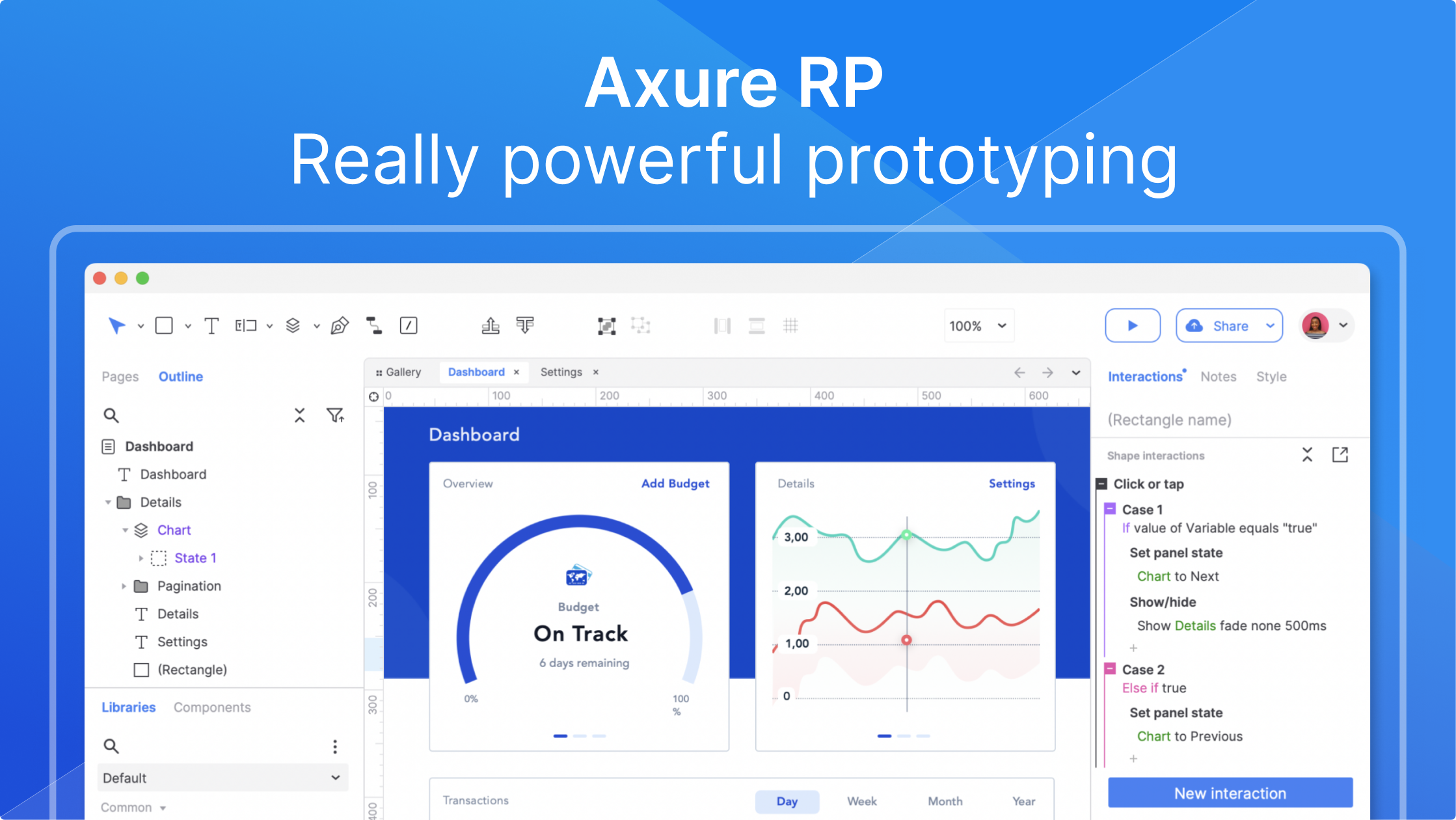
Axure AI is a next-generation UX prototyping tool that combines artificial intelligence with a powerful interaction engine, helping designers, product managers, and developers quickly create high-fidelity, interactive prototypes. Without writing any code, you can drag and drop components, set events and conditional logic to build complete digital experiences from simple wireframes to complex application simulations.
With AI-assisted capabilities, Axure AI can intelligently recommend interaction patterns, automatically generate dynamic content, and quickly scaffold prototype frameworks from natural language descriptions. It also retains the classic core strengths of Axure RP: unlimited event-trigger combinations, multi-state panels, conditional branching, variable operations, as well as real-time collaboration and cloud sharing.
Whether for mobile apps, web backends, or enterprise systems, Axure AI significantly boosts prototyping efficiency, allowing teams to validate product concepts early and reduce rework. Trusted by global leaders such as Amazon, Salesforce, and Microsoft, it is the standard tool for elevating design delivery quality.
Core capabilities
- Interaction events
- Support mouse, touch, and keyboard event triggering, covering a full range of scenarios
- Conditional logic
- Implement complex branching and dynamic behavior through condition statements and variables
- Dynamic panels
- Multi-state containers easily create carousels, switches, dropdowns, and other common interactions
- AI generation
- Input requirement descriptions and AI automatically creates prototype frameworks and components
- Form components
- Built-in interactive form elements such as text fields, dropdown lists, radio/check boxes
- Team collaboration
- Support multi-person real-time editing, commenting, and version management
- Cloud sharing and testing
- Publish prototypes with one click, collect user feedback, and generate test reports
- Interactive prototype export
- Generate HTML prototypes that run independently without dependencies
Use cases
- Mobile app prototyping: Quickly create app interaction flows for user testing
- Web backend design: Build complex dashboard and management system prototypes
- E-commerce page interaction: Simulate core paths like shopping cart and payment processes
- Enterprise system prototyping: Showcase multi-role, multi-permission functional interactions
- Product demos and roadshows: Generate high-fidelity prototypes to present to clients or investors
- Design standard validation: Use dynamic panels to test component responsive behavior
- User research material: Create clickable prototypes for respondents to interact with and provide feedback
Who it's for
UX designers, Product managers, Interaction designers, Front-end developers, Enterprise design teams, Startup founders, Prototype validation specialists
Getting started
- 1Download and install — Visit the official website to download and install Axure AI, register an account, and start the trial.
- 2Create a project — Choose "New Prototype", start from a template or blank canvas, and drag components onto the canvas.
- 3Set up interactions — Select a component, add events (such as click or hover) in the interaction panel, and configure actions.
- 4Add conditional logic — Use the condition editor to set branching rules and combine variables for dynamic effects.
- 5Preview and share — Click "Preview" to see interactions, and share with team members via a cloud link.
Traffic analytics
axure.comRelated tools

 Atheros LearningPaid
Design and code with the power of AI — all the knowledge and tools to create powerful apps under one pass.