
MasterGo AI
Let AI supercharge your design workflow, from idea to delivery
- Pricing:
- Free
Overview
MasterGo AI is an intelligent design assistant launched by MasterGo, a leading online collaborative design platform in China, built specifically for UI/UX designers and product teams. It deeply integrates generative AI with professional design tools, covering the entire workflow from idea exploration and component generation to design delivery, helping teams offload repetitive tasks to AI and focus on core creativity.
The product includes core features such as smart filling, copywriting generation, icon generation, and design-to-code, and is driven by natural language commands. Teams can complete the entire process from requirement discussion to prototype design on the same canvas without switching tools. MasterGo AI also provides a rich set of design system templates and component libraries to ensure design consistency and team collaboration efficiency.
More than 100 leading companies have already adopted MasterGo AI as a standard tool for intelligent workflows, widely applied in product design, marketing material creation, and enterprise application interface development. Whether for startup teams or large organizations, MasterGo AI significantly shortens design cycles and improves output quality.
Core capabilities
- AI-generated components
- Automatically generate UI components like buttons, cards, and forms from text descriptions
- Smart content fill
- Generate placeholder text, avatars, data tables, and other design assets with one click
- Intelligent copywriting
- Automatically generate CTA button text and tooltips based on UI context
- Quick icon generation
- Enter keywords to get style-consistent vector icons
- Design-to-code
- Automatically convert design files into frontend code (React/Vue)
- Natural language control
- Use Chinese commands to directly manipulate canvas elements
- Design asset management
- AI automatically organizes layers, names, and annotations to boost team collaboration
- Smart size adaptation
- Automatically adjust design dimensions and layout based on device type
Use cases
- Quickly generate UI components and layout for an app login page
- Fill e-commerce campaign pages with product cards and promotional copy in one click
- Automatically organize layers when migrating Sketch designs to MasterGo
- Generate low-fidelity prototypes directly from product requirement documents
- Batch-generate a style-consistent icon set for a design system
- Adjust button size, color, and alignment using natural language
- Automatically generate chart and table placeholders in data dashboards
- Export design files as React component code for developer use
Who it's for
UI designers, UX designers, Product managers, Frontend engineers, Design teams, Startups, Enterprise design departments
Getting started
- 1Sign up and log in — Visit the official website or client to register a MasterGo account and log in
- 2Create a design project — Create a new project or open an existing design draft, then enter AI canvas mode
- 3Enter AI commands — Select an element and type a natural language description in the command box
- 4Generate and refine — After AI generates results, manually adjust positions, styles, or regenerate
- 5Export and deliver — Once the design is complete, export assets with one click or generate a share link
Traffic analytics
mastergo.comRelated tools

 Atheros LearningPaid
Design and code with the power of AI — all the knowledge and tools to create powerful apps under one pass.



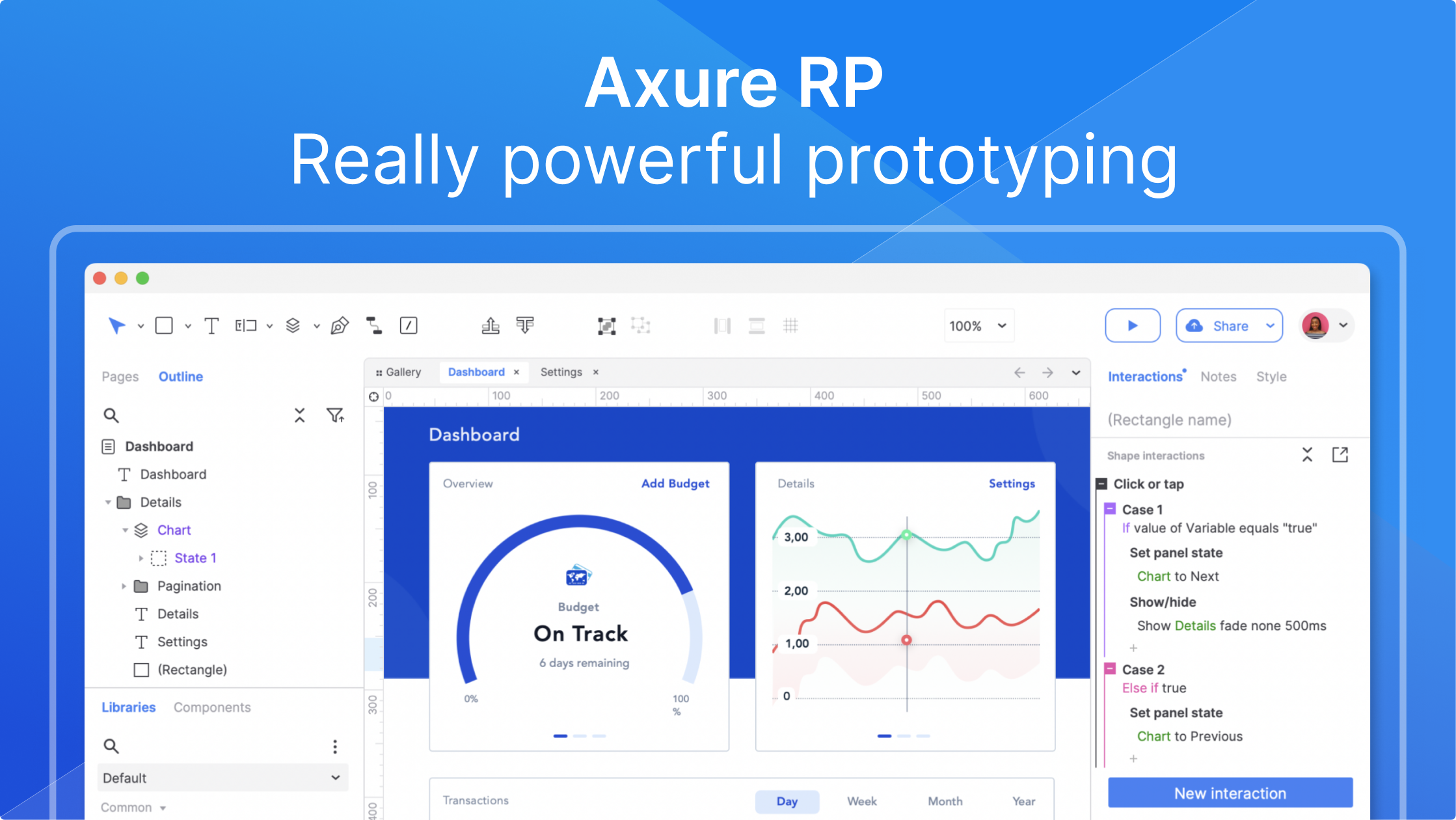 Axure AIFree plan
AI-driven UX prototyping: no-code realistic interactions, unlimited design potential