
Google Stitch
By Google
Explore Google Stitch: AI image stitching and editing for limitless creativity
- Pricing:
- Free
Overview
Google Stitch is an AI-powered image stitching and editing tool developed by Google. It helps users seamlessly combine multiple photos into panoramas or creative collages quickly and effortlessly. Using advanced computer vision technology, Stitch automatically detects image edges, corrects perspective and color, and generates natural, smooth composite images. Whether you're capturing breathtaking landscapes or creating a collage for a project, Stitch handles the technical work for you.
Beyond basic stitching, Stitch comes with built-in AI enhancement modules that offer intelligent cropping, background replacement, and style transfer. These features allow users to refine and transform their images without needing professional design skills—simple drag-and-drop and clicks are enough. It also supports various stitching modes and batch processing to boost workflow efficiency. The tool is perfect for a wide range of uses, including social media posts, travel journals, marketing materials, and design projects. With Stitch, high-quality image creation becomes accessible to everyone.
Core capabilities
- Smart stitching
- Automatically aligns and blends multiple images, eliminating seams and color differences.
- Panorama mode
- Supports horizontal, vertical, and matrix panorama stitching.
- Background replacement
- AI identifies and replaces backgrounds with one click while preserving subject details.
- Style transfer
- Applies famous painting or preset styles to stitched images.
- Smart cropping
- Automatically detects the best composition and suggests crops.
- Batch processing
- Stitches multiple sets of images simultaneously to boost productivity.
Use cases
- Stitch multiple landscape photos taken during travel into one panoramic masterpiece.
- Create multi-angle composite images for e-commerce product showcases.
- Automatically stitch multiple group photos into a family portrait.
- Create multi-image collage covers or stories for social media.
- Restore old photos by stitching different fragments to reconstruct the full image.
- Designers collage material fragments into creative posters.
Who it's for
Photographers, Designers, Social media managers, Travel enthusiasts, Creative professionals
Getting started
- 1Upload images — Select the photos or image files you want to stitch, supporting JPG and PNG formats.
- 2Choose stitch mode — Click "Panorama" or "Free Collage" to adjust the layout as needed.
- 3Optimize with AI — Enable automatic enhancement or manually adjust edge and color parameters.
- 4Export and share — Preview the result, then save locally in high resolution or share directly to social platforms.
Related tools

 Atheros LearningPaid
Design and code with the power of AI — all the knowledge and tools to create powerful apps under one pass.



 Axure AIFree plan
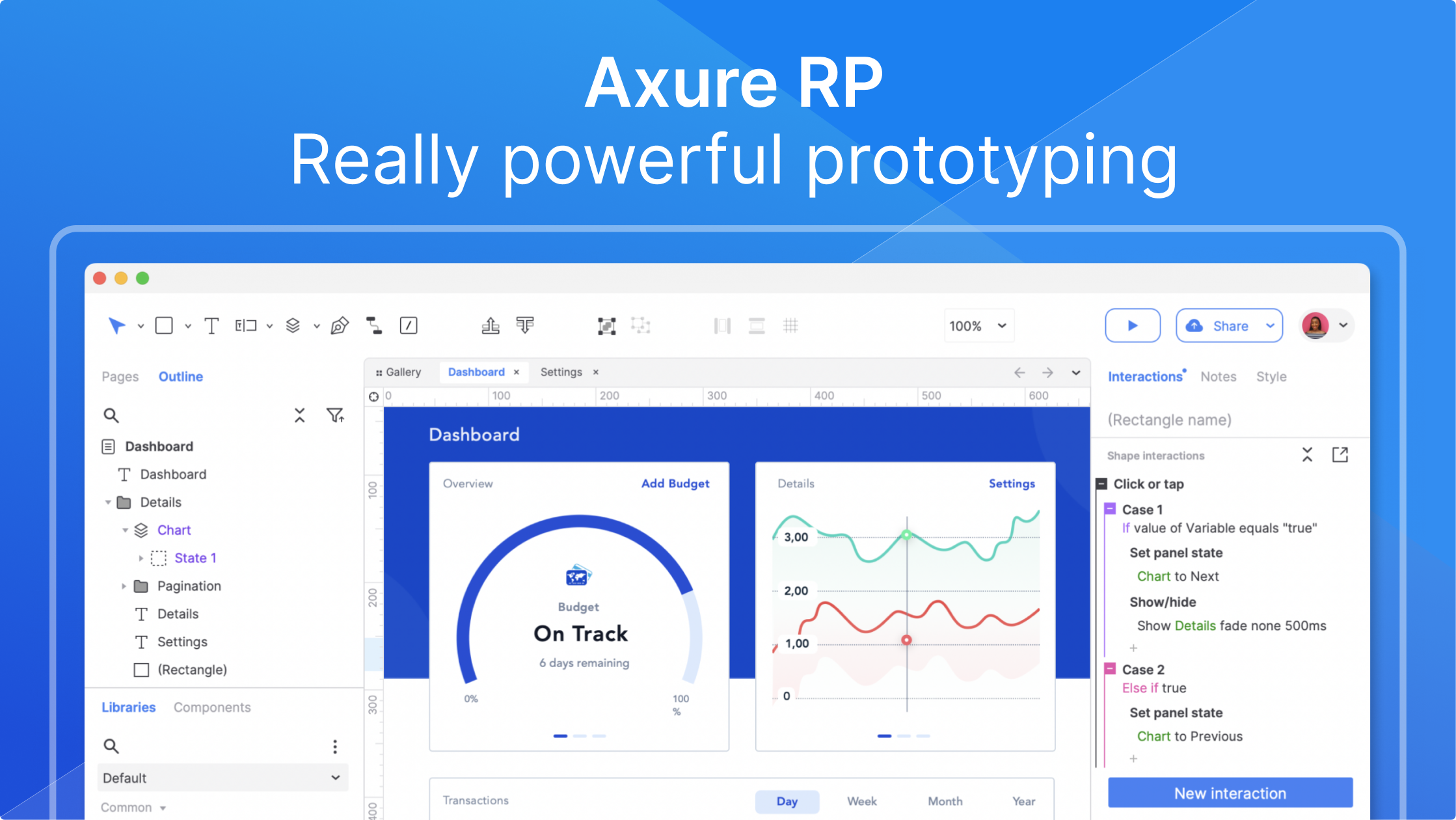
AI-driven UX prototyping: no-code realistic interactions, unlimited design potential